


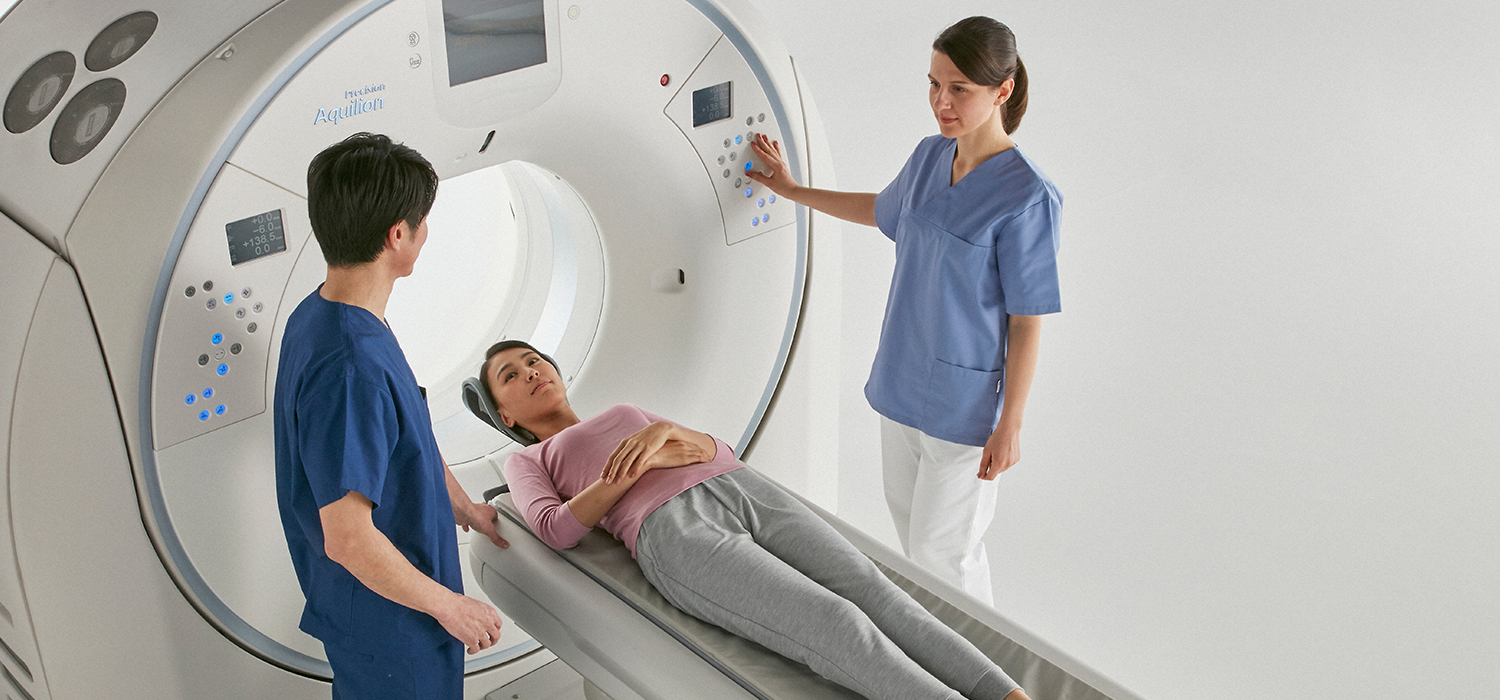
For Imaging Technologists
Courses for Imaging Technologists on the most effective operation of medical imaging equipment and about current trends in healthcare as it affects the practice of medical imaging. Many of these courses provide CE credit to help technologists fulfill their continuing education requirements.
Search tips: Search using multiple keywords. Use quotation marks to search for an exact word or phrase (i.e. "x-ray beam filters"). Use an asterisk "*" to do a wildcard search and fill in the blank at the end of a word or phrase (i.e. masses*).
Filter by:
Webinar
Canon Medical On Demand Imaging Techniques in Interventional Radiology
VLM3065W
Course Type: Webinar
Cost: $20.00
Course Length: 1 Hr
Credits: 1
Credit Type: CE
In this webinar, we will discuss select imaging techniques on Canon Medical’s Alphenix vascular system and their clinical applications during interventional radiologic procedures. These angiographic imaging strategies can contribute to advanced system utilization and treatment by clinicians and technologists alike.
Webinar
Advanced Applications for Advanced Treatment Webinar
VLM3060W
Course Type: Webinar
Cost: $20.00
Course Length: 1 Hr
Credits: 1
Credit Type: CE
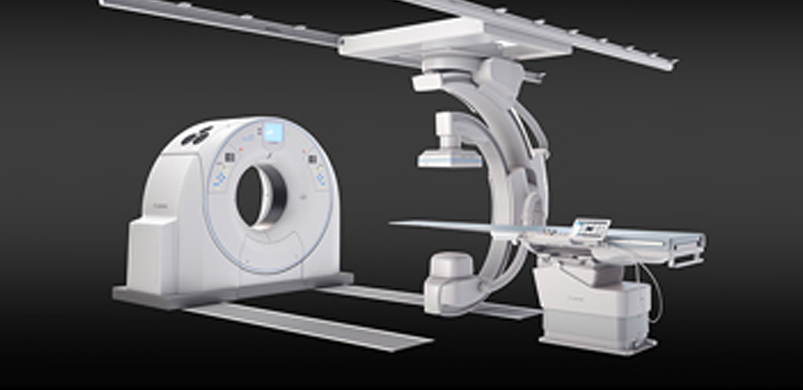
During the course, we will discuss how Alphenix can assist in diagnoses, planning and treatment during advanced radiologic procedures. The objective of this course is to educate learners on the history and treatment of advanced radiologic procedures as well as the clinical applications of utilized by Canon Medical’s Alphenix vascular system. Students will also be educated on Canon’s Advanced 3D applications and how they contribute to the realm of advance planning and treatment. Use the link in your enrollment confirmation email to access the webinar. A link will also become available on this page at the designated start time. Join as a Guest and enter your first and last name in order to receive credit for attending. Click the button below to find the Launch button to join the webinar at the designated start time.** DO NOT use Internet Explorer. To view the technical specifications/ requirements to attend this webinar, please go to https://helpx.adobe.com/adobe-connect/tech-specs.htmlNeed assistance? Contact us at mylearningadmin@us.medical.canon
Webinar
Hybrid Imaging: Then and Now
VLM3055W
Course Type: Webinar
Cost: $20.00
Course Length: 1 Hr
Credits: 1
Credit Type: CE
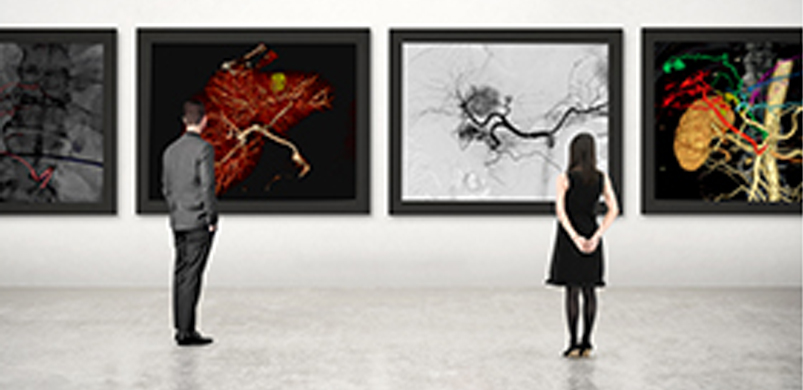
During the course, we will discuss how combining multiple imaging modalities changed the way we diagnose, plan, and treat; starting with a brief history about Hybrid Imaging. The objective of this course is to educate learners on the history and evolution of hybrid imaging as well as the clinical applications of Multi-Modality Fusion. Participants will also be educated on Canon’s 4DCT product, and how it contributes to the realm of hybrid imaging.Use the link in your enrollment confirmation email to access the webinar. A link will also become available on this page at the designated start time. Enter your first and last name in order to receive credit for attending. Prepare for your classroom: If not already installed, you may download and install the Adobe Connect application from below for a better classroom experience: https://www.adobe.com/go/Connectsetup ---------- Get a quick overview: http://www.adobe.com/products/adobeconnect.html
Webinar
Introduction to the Canon MRI Interface
MRM3600W
Course Type: Webinar
Cost: $20.00
Course Length: 8 Hrs
Credits: 1
Credit Type: CE
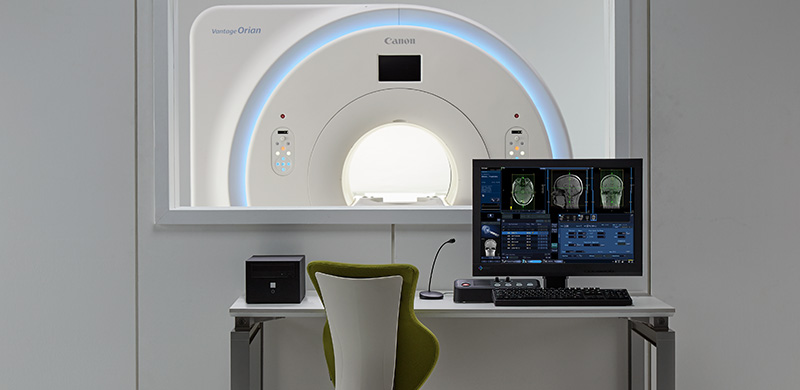
This webinar discusses the awareness of Staffing shortages and new hire training becoming a challenge in recent years for the medical community. The objective of this presentation is to familiarize the MR user interface to a Technologist new to the Canon system in providing a session on how to scan a basic brain. It covers the start to finish process of scanning a patient and sending the data to a PACS system. It includes covering the registration process [on how to pull studies from the RIS system, or how to manually enter the patient data]. Cover how to pull protocols developed for your site. Demonstrate how to set up the head coil onto the MRI system. Perform patient set-up into the head coil. Cover the Control Panel on how to move the patient in and out of the MR system. Discuss how to setup the slices in commonly used sequences in Scan Plan and how and when to start the scanner. Demonstrate how to Display the data. Show how to send the data to PACS. Cover the final step on how to end the exam. After enrolling, please use the to find the Launch button. Click the Launch button to complete step 2 of your registration. Need assistance? Contact us at mylearningadmin@us.medical.canon
Webinar
MR ACR Phantom Troubleshooting Webinar
MRM3500W
Course Type: Webinar
Cost: $20.00
Course Length: 1 Hr
Credits: 1
Credit Type: CE
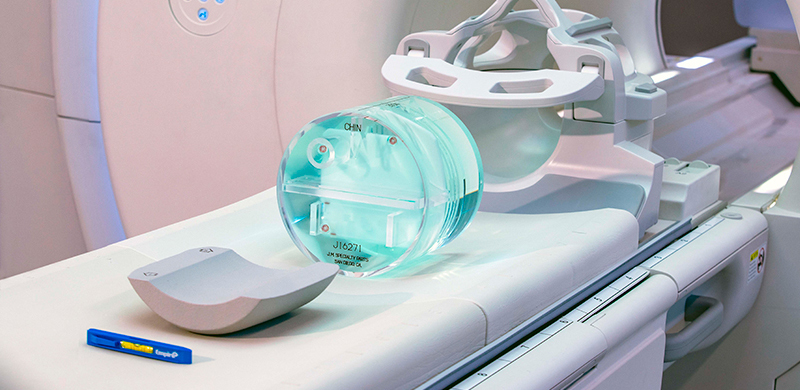
The American College of Radiology (ACR) Accreditation is recognized as the gold standard in medical imaging. By displaying the gold seals of ACR Accreditation, you demonstrate to your patients, payers and referring physicians that you are committed to providing the safest and best quality care possible.In preparing to image the ACR phantom, the ACR has given 8 tests to evaluate a system’s performance. This training covers some of the more common troubleshooting scenarios a site may encounter when submitting their data.The objective of this troubleshooting presentation is to discuss what is the purpose of the ACR. Talk about the phantom that will be used for acquiring the data. Review which coil is to be used when scanning the ACR Phantom. How to setup the phantom in the coil and cover what actions to take to ensure the coil and phantom are both set up properly. What to avoid. Lastly post scanning measurements and how to discern if the system will fail a section and pointers to determine if it’s a user, system, or an environmental problem.Use the link in your enrollment confirmation email to access the webinar. A link will also become available on this page at the designated start time. Join as a Guest and enter your first and last name in order to receive credit for attending.Click the button below to find the Launch button to join the webinar at the designated start time.** DO NOT use Internet Explorer. To view the technical specifications/ requirements to attend this webinar, please go to https://helpx.adobe.com/adobe-connect/tech-specs.htmlNeed assistance? Contact us at mylearningadmin@us.medical.canon
Browse Courses
Courses
Formats
News and Features
Education Resources
Our Mission
educationcenter@us.medical.canon / 1-866-858-8724
